
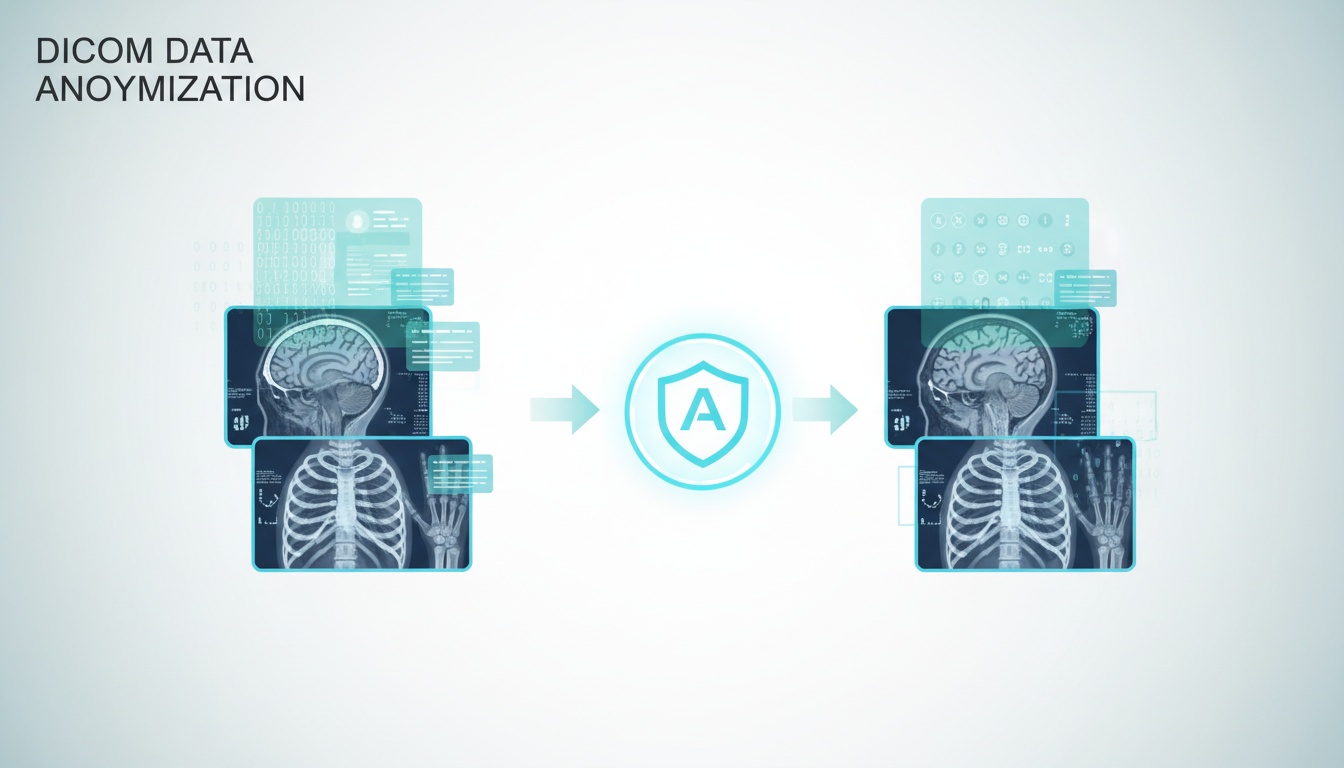
Medical imaging teams, researchers, universities, and healthcare software vendors may require the sharing of DICOM studies without revealing patient information. That's one critical requirement – DICOM data anonymization.
It's important to use the right tool. If the workflow used by the anonymisation is not done properly, protected health information (PHI) may remain in the metadata, file names, or even burned-in text in the images.
The guide outlines the features you can expect from a free DICOM anonymization tool, where free solutions make sense and when scalable enterprise solutions like PostDICOM are the better option.
For occasional anonymization, for research or education, free tools can be effective. When batch processing, cloud collaboration, user permissions and audit trails and secure sharing are desired, enterprise solutions are typically the more solid long-term answer.
DICOM anonymization eliminates or substitutes patient-identifiable data within medical images.
This can include:
• Patient Name
• Date Of Birth
• Medical Record Number
• Accession Number
• Institution Details
• Referring Physician Information
• Study Dates (when Necessary)
• Using Device Identifiers For Some Workflows
The objective is to maintain the integrity of the diagnostic image while also safeguarding privacy and complying with laws and governance requirements like HIPAA, GDPR, internal regulatory policies, and more.
Hospitals are increasingly sending imaging studies to other departments, vendors, research institutions and remote imaging experts. The likelihood of unintentional disclosure grows rapidly without appropriate anonymization.
Strong anonymization supports:
• Clinical Research Datasets
• Ai Model Training Pipelines
• Teaching Libraries
• Vendor Testing Environments
• Cross-border Image Collaboration
• External Second Opinions
It also minimizes legal, reputational, and compliance risk.
Many users remove metadata but overlook image pixels.
Structured fields within the DICOM header, for example patient name or patient ID.
Some modalities store the patients information directly on the image. Identifiable features may show on ultrasound or older CR systems, screenshots and legacy exports.
A reliable workflow should evaluate both.
Deleting a patient name from the header does not necessarily guarantee that a file can be shared to others. Sensitive information may be found where you don't expect it, particularly in multiple studies or legacy workflows.
A few imaging manufacturers embed more information within private tags. They can contain operator identifiers, device references, workflow notes or other information unavailable to normal viewers. If private tags are not used, then data may be lost.
When you're exporting, many will automatically generate folders or zips with patient names, MRN or accession numbers. These external file labels can also reveal identity when transferring anonymized DICOM files.
Demographic, Time and Date, or site information may be visible in the image and have been directly recorded onto the image from the workstation, PACS screen, or reporting station. This content will not be removed by metadata cleaning.
There are programs that will generate sidecar thumbnails or cached preview images. These files may be located away from the primary study package and contain identifiers or references that are connected.
If each staff member uses a different anonymization setting, the results will be inconsistent. Consistent policies minimize unintentional omissions.
A fully developed workflow should consider the entire export package, not just the DICOM main header.
Not all free tools are “real world” tools. Some excel at small projects, and others might be lacking certain controls required for professional use.
The tool should be able to delete or change sensitive standard and private DICOM tags properly. Failure to properly handle tags may cause identifiers to remain within the metadata even if the file seems to be clean.
If you handle multiple studies on a frequent basis, you will save a lot of time and minimize manual mistakes by using a batch. This can be particularly helpful in research archives and migration projects.
There are modalities that record patient information directly on the image. A good tool should be able to identify or control visible identifiers along with metadata fields.
Menus, workflows, and prompts for form validation are important when users are not technical. The use of complex tools can introduce unnecessary errors.
The removal, alteration, or retention of anything should be verifiable. Validation logs or review screens increase confidence prior to sharing files outside the organization.
When the tool uses cloud processing, check for data encryption, data storage, access controls, and vendor privacy policies before uploading any data.
| Tool Type | Best For | Strengths | Limitations |
| Open-source desktop tools | Technical users | No license fee and flexible | Can require setup |
| Research utilities | Academic workflows | Useful for studies | Limited support |
| Basic script-based tools | Developers | Automation potential | Higher complexity |
| Trial cloud platforms | Teams testing workflows | Easier collaboration | May have limits |
This will depend on technical ability, scale, and expectations of compliance.
All organizations do not require the same anonymization workflows. The ideal tool can vary according to the user and the frequency of studies to be processed.
The Academic teams typically require cost-efficient tools that can process a series of datasets in batches while maintaining image quality. Polished enterprise dashboards aren't the most important thing; flexibility and export control are.
Clinical organizations should prioritize reliability, auditability, user permissions, and secure collaboration. Even if a free tool is available, workflow risk can become expensive very quickly.
For teams creating ML pipelines, it can be useful to use automated, scriptable tools that anonymize thousands of files. Rules that can be repeated and API support is beneficial.
If anonymization is required only a few times a year, a human-readable tool that only performs a few operations might suffice. Sometimes the simplicity of the application outweighs the complexity of its capabilities.
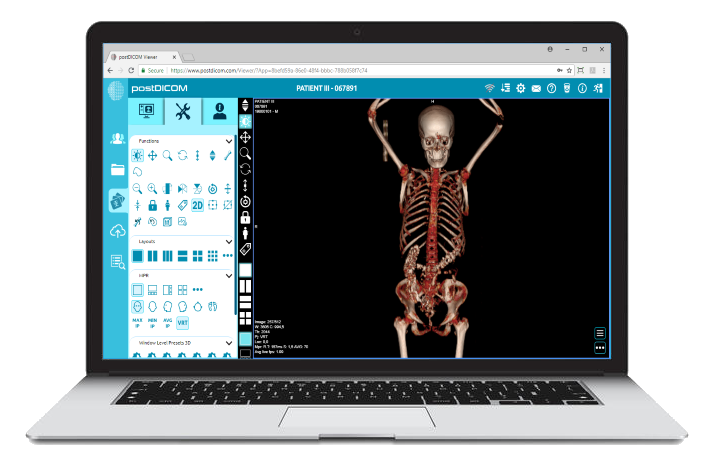
For imaging volume growth or when multiple users require access, scalable platforms like PostDICOM can help minimize workflow disruption by anonymizing and storing images, presenting them for viewing, and securely sharing images.
Free tools may be sufficient when you:
• Analyze And Interpret Data From Small Data Sets
• Possess Internal Technical Know-how
• Take Advantage Of Local Workflows Without An Internet Connection
• Help With Academic Or Teaching Projects
They can be useful and economical for single applications
(2) - Created by PostDICOM.jpg)
Many organizations require:
• Multi-user Workflows
• Centralized Access Control
• Audit Logs
• Cloud Viewing And Sharing
• High-volume Batch Ingestion
• Standardized Policies
• Cross-site Collaboration
• Vendor Integrations
At that point, operational risk can exceed software savings.
| Feature | Free Tools | Enterprise Platforms |
| Cost to Start | Low | Higher |
| Batch Processing | Sometimes | Strong |
| User Permissions | Limited | Advanced |
| Audit Logs | Rare | Standard |
| Secure Sharing | Limited | Strong |
| Multi-Site Access | Weak | Strong |
| Support | Community-based | Vendor-backed |
| Scalability | Moderate | High |
For some situations, free tools are a great deal. When imaging workflows become mission-critical, enterprise platforms tend to be better.
Anonymization alone is not enough for modern imaging organizations. They require a secure imaging environment.
PostDICOM can handle a wider range of workflows, like:
• Secure Cloud Pacs StorageSecure cloud PACS storage
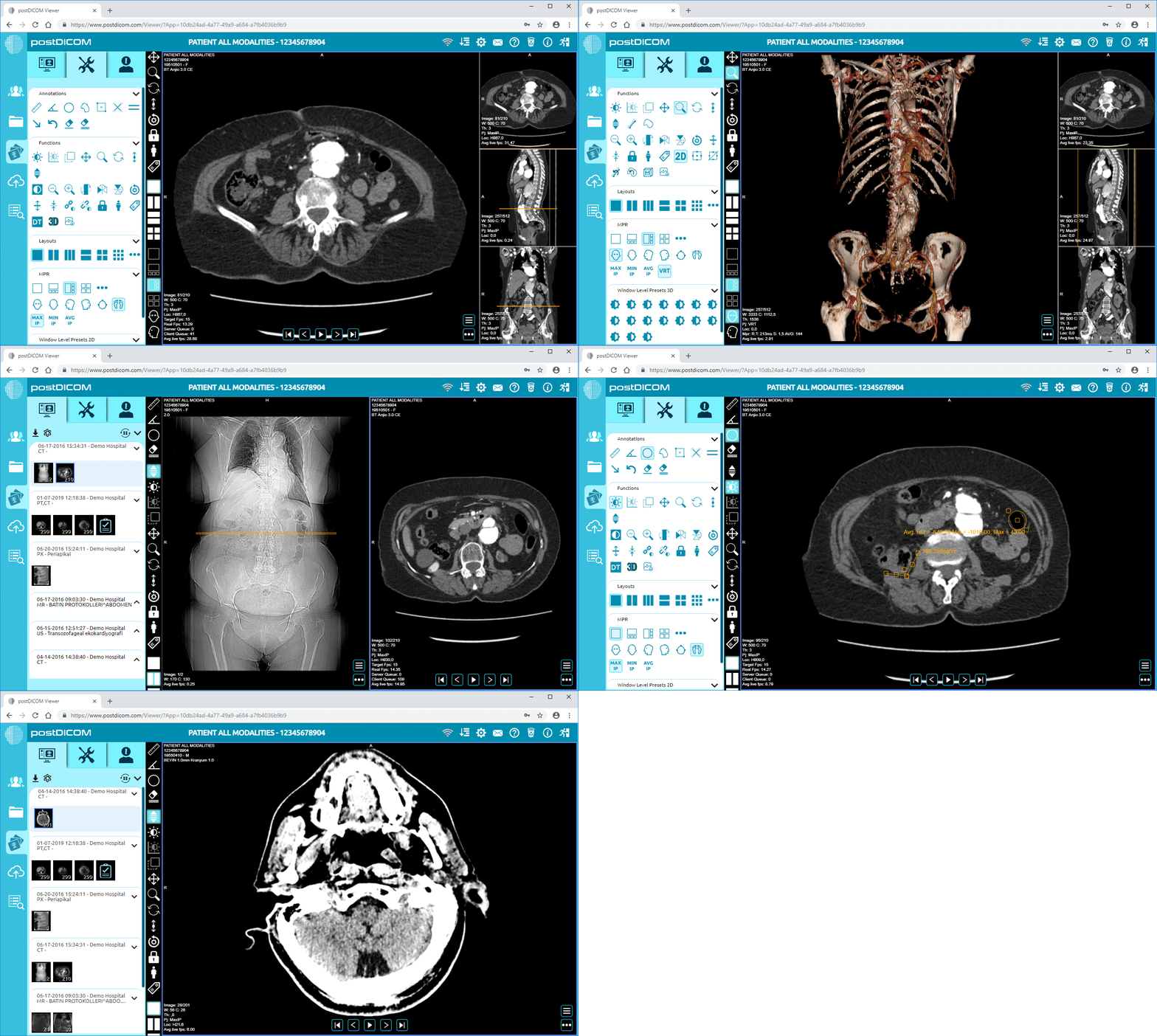
• Web-based Dicom ViewingWeb-based DICOM viewing
• Controlled Study SharingControlled study sharing
• Team Collaboration
• Remote Access
• Scalable Infrastructure
• Compliance-focused Architecture
Multiple isolated applications can be replaced by teams that streamline imaging operations in a single environment.
Anonymization errors can happen to all teams, no matter how experienced. The majority of problems occur where there has been an assumption of workflow without verification.
Simply cleaning the header does not ensure privacy. If the patient information is visible, it could be in overlays, screenshots, or burned-in text.
Custom scripts may be beneficial, but should always be thoroughly tested. Scripts that aren't well-maintained may lack certain tags or behave differently across modalities.
Identifiers may be embedded in file names, archives, in the labels on removable media or in shared folders. These non-DICOM elements are frequently overlooked.
It's not always easy to prove the anonymized, who did it and when without the logs. This may pose a governance challenge later on.
Results differ depending on the anonymization rules used by different departments. Standardized processes help reduce compliance gaps and rework.
Ask these questions:
• How Many Studies Do We Process Monthly?
• Do We Need Cloud Collaboration?
• Do Multiple Users Need Access?
• Is Research Scalability Important?
• Do We Need Logs And Governance?
• Are We Sharing Externally?
If the answer is yes to several, enterprise-grade solutions usually make sense.
When choosing an anonymization tool, decision-makers should consider more than its features.
• Where Is Data Processed, Locally Or In The Cloud?
• Who Can Access Anonymized Files After Export?
• Can The Process Be Standardized Across Departments?
• Is There Proof That Anonymization Occurred?
• How Easily Can Staff Be Trained?
• What Happens When Study Volume Doubles Next Year?
These questions are asked at an operational level and often show whether the free tool is really enough.
Trying to find the best free DICOM anonymization tool will depend on your workflow. Free tools can be effective for occasional personal, academic, and technical work.
Anonymization is more of a component of a secure, larger imaging platform than a standalone option for healthcare organizations, imaging vendors, and expanding teams.
That's where tools such as PostDICOM become increasingly useful over time.
It depends on your abilities and working habits. Managed platforms are often required by teams, whereas technical users may want to use open-source desktop applications.
It's not just the software that will ensure compliance; it's implementation, access controls, storage, workflow design, and governance.
Not always. Some tools delete only metadata; the text visible in images will not be deleted.
In many cases, yes. There are variations in requirements depending on country, institution, and study design.
There are tools that can handle batch workflows; however, for enterprise systems, scalability is better.
Yes, if done correctly. Appropriate anonymization can eliminate identifiers without compromising clinically meaningful image quality and metadata required for image interpretation.
It relies on the provider's security measures, security protocols, encryption, and access controls, as well as their compliance with regulatory requirements. It is highly critical that vendor due diligence is performed.
If it's used just occasionally, it might be sufficient to have a stand-alone tool. Integrated platforms can streamline workflow, governance, and collaboration for ongoing operations.
|
Cloud PACS and Online DICOM ViewerUpload DICOM images and clinical documents to PostDICOM servers. Store, view, collaborate, and share your medical imaging files. |

